

 Authenticate
 Manage Users
 Customize
 Auth0 AI
 Platform
- In the Auth0 Dashboard, go to Applications > Applications, and then select the name of the application to view.
- If the Credentials view is not available, the application is a public application.
-
If the Credentials view is available, then select it and locate the Authentication Method field.
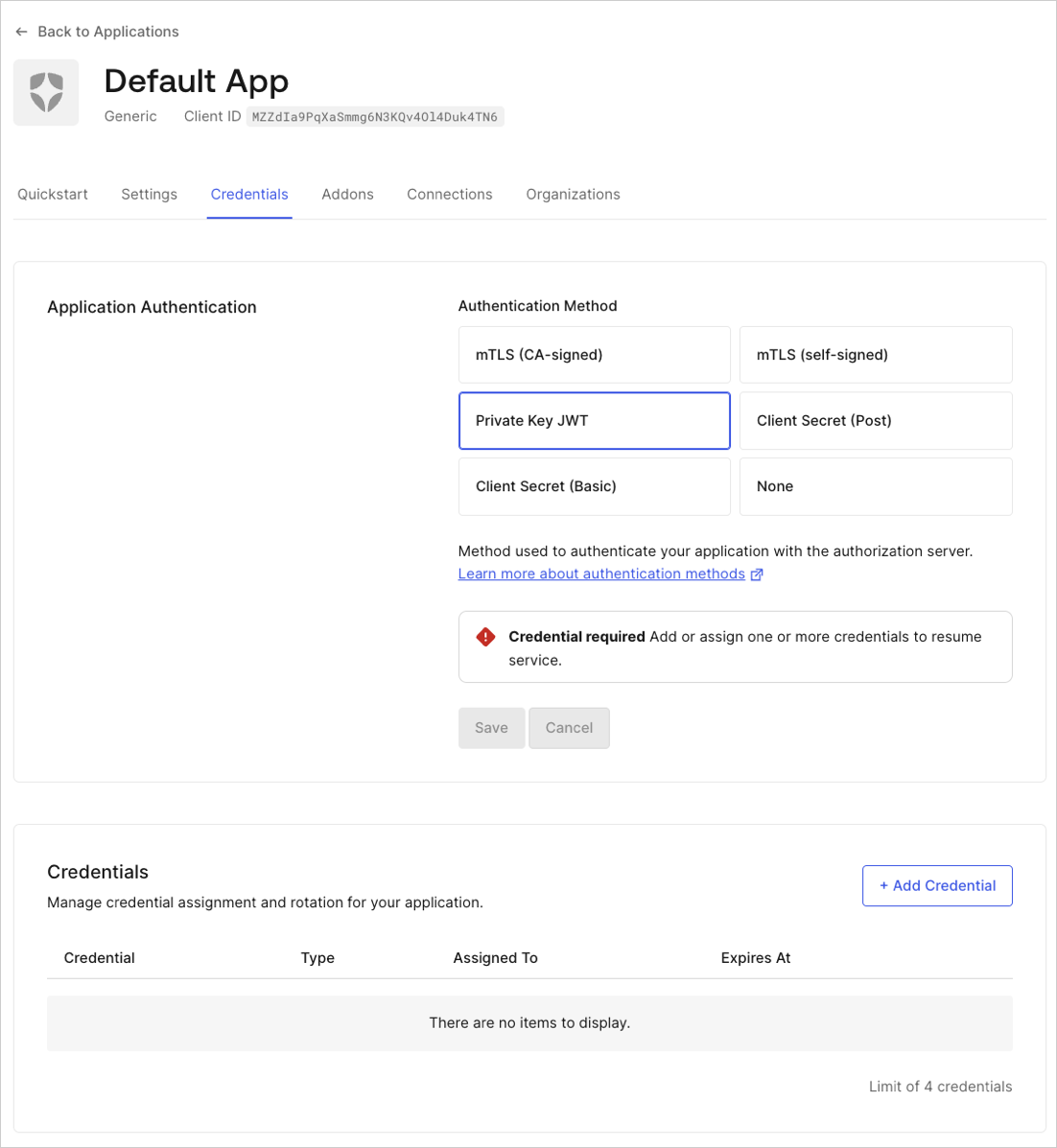
- None: Public application without a .
- Client Secret Post: Application using POST request body parameters to send a client secret.
- Client Secret Basic: Application using the HTTP BASIC authentication scheme to send a client secret.
- Private Key : Application using asymmetric authentication.
| Application Type | Example | Token Endpoint Authentication Method |
|---|---|---|
| Public | Single-page or native | None |
| Confidential | Regular web or machine-to-machine | Basic, Post, Private Key JWT, Unspecified |