

 Authenticate
 Manage Users
 Customize
 Platform
Use the Dashboard
-
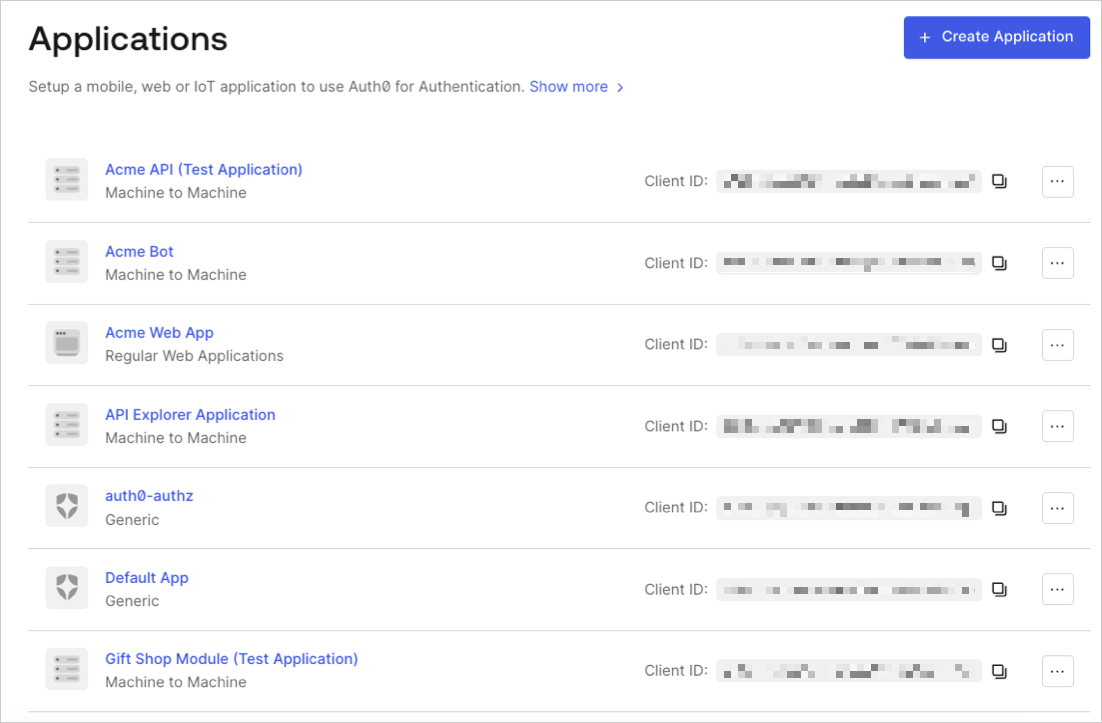
Go to Dashboard > Applications > Applications, and select the name of an application to view.
- Scroll to the bottom of the Settings page, locate the Danger Zone, select Delete, and confirm.
Use the Management API
Make aDELETE call to the /Clients/delete_clients_by_id endpoints. Be sure to replace {yourClientId} and MGMT_API_ACCESS_TOKEN placeholder values with your and Management API , respectively.
Using the Auth0 CLI? If you haven’t already, set up and authenticate your CLI session before running this command.