

 Authenticate
 Manage Users
 Customize
 Platform
Client secrets should not be stored in public client applications. To learn more, read Confidential and Public Applications.
Use the Dashboard
-
In the Auth0 Dashboard, go to Applications > Applications, and then select the name of the application to view.
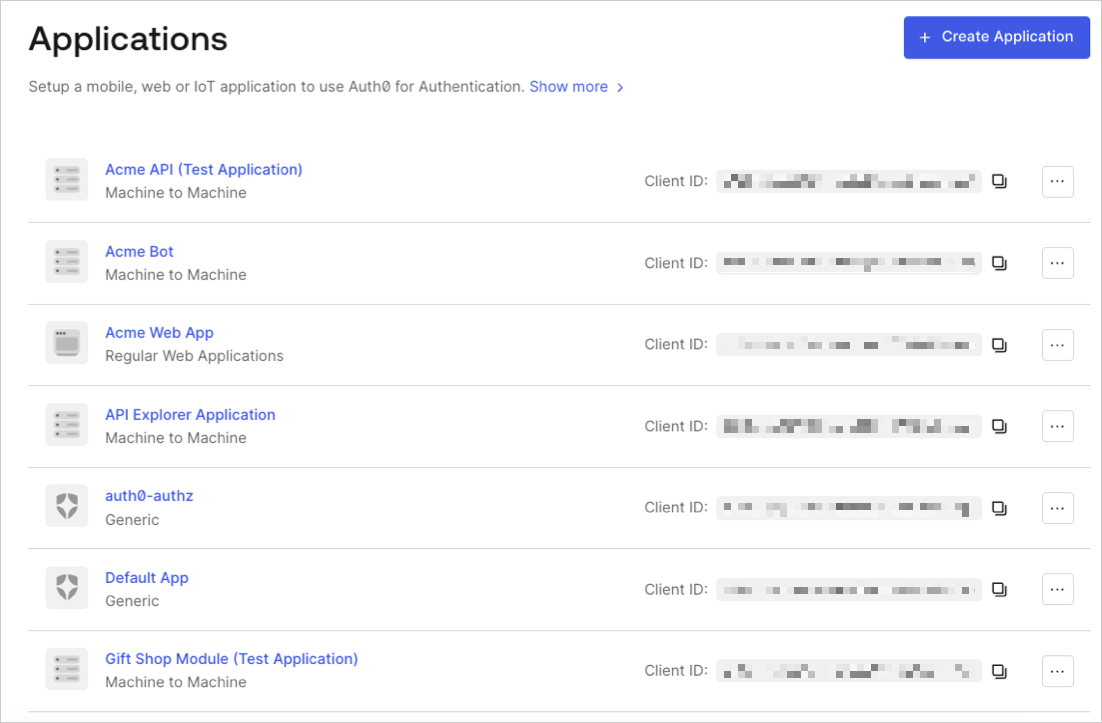
- Scroll to the bottom of the Settings page, locate the Danger Zone, select Rotate, and confirm.
- Scroll to the top of the page, and switch to the Credentials tab.
-
View your new secret by locating Client Secret, and selecting the eye icon.
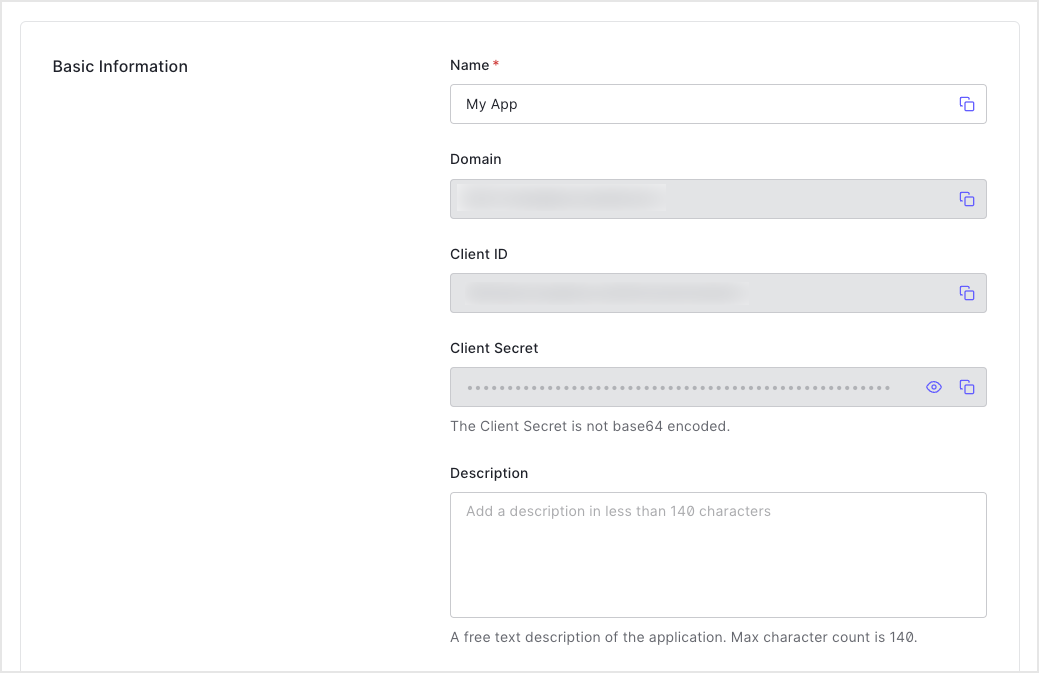
- Update authorized applications with the new value.
Use the Management API
- Call the Management API Rotate a client secret endpoint. Replace the
{yourClientId}and{yourMgmtApiAccessToken}placeholder values with your client ID and Management API access token, respectively.
Using the Auth0 CLI? If you haven’t already, set up and authenticate your CLI session before running this command.
- Update authorized applications with the new value.
Set a custom client secret
You can use the Management API Update a client endpoint to to set a client secret manually instead of requesting a rotation to an automatically generated secret. Your application is configured with the future secret as a fallback ahead of the actual rotation.- Auth0 CLI
- cURL