

-
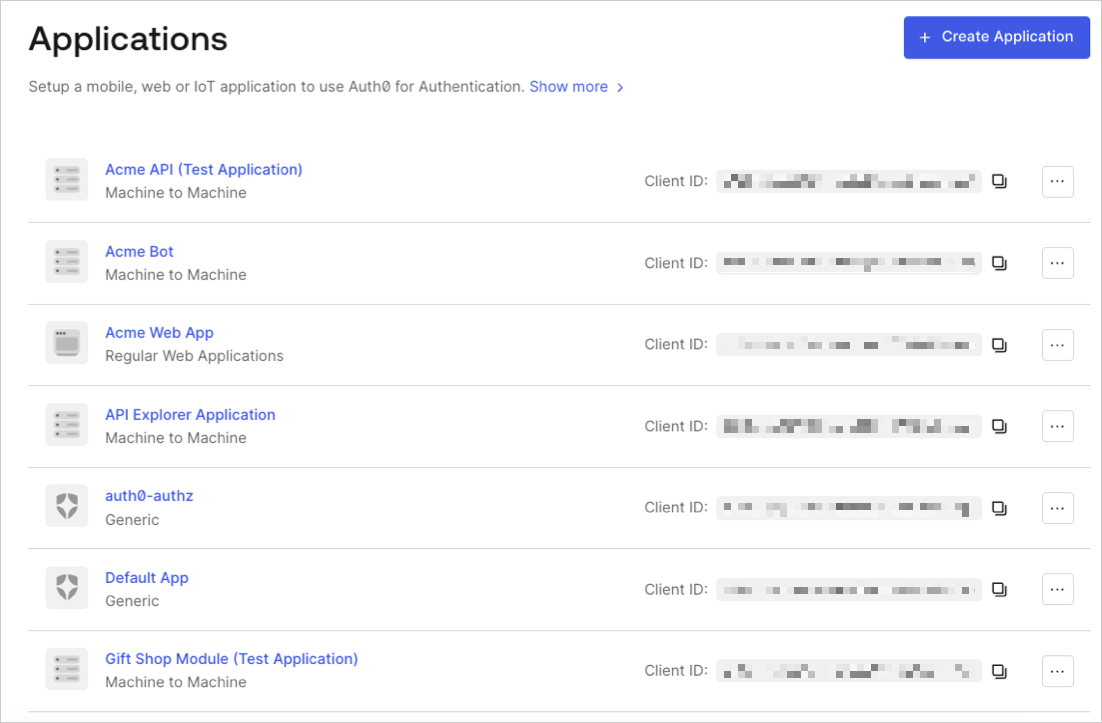
Go to Dashboard > Applications > Applications and select the name of the application to view.
- Scroll to the bottom of the Settings tab and select Show Advanced Settings.
-
Go to the OAuth tab.
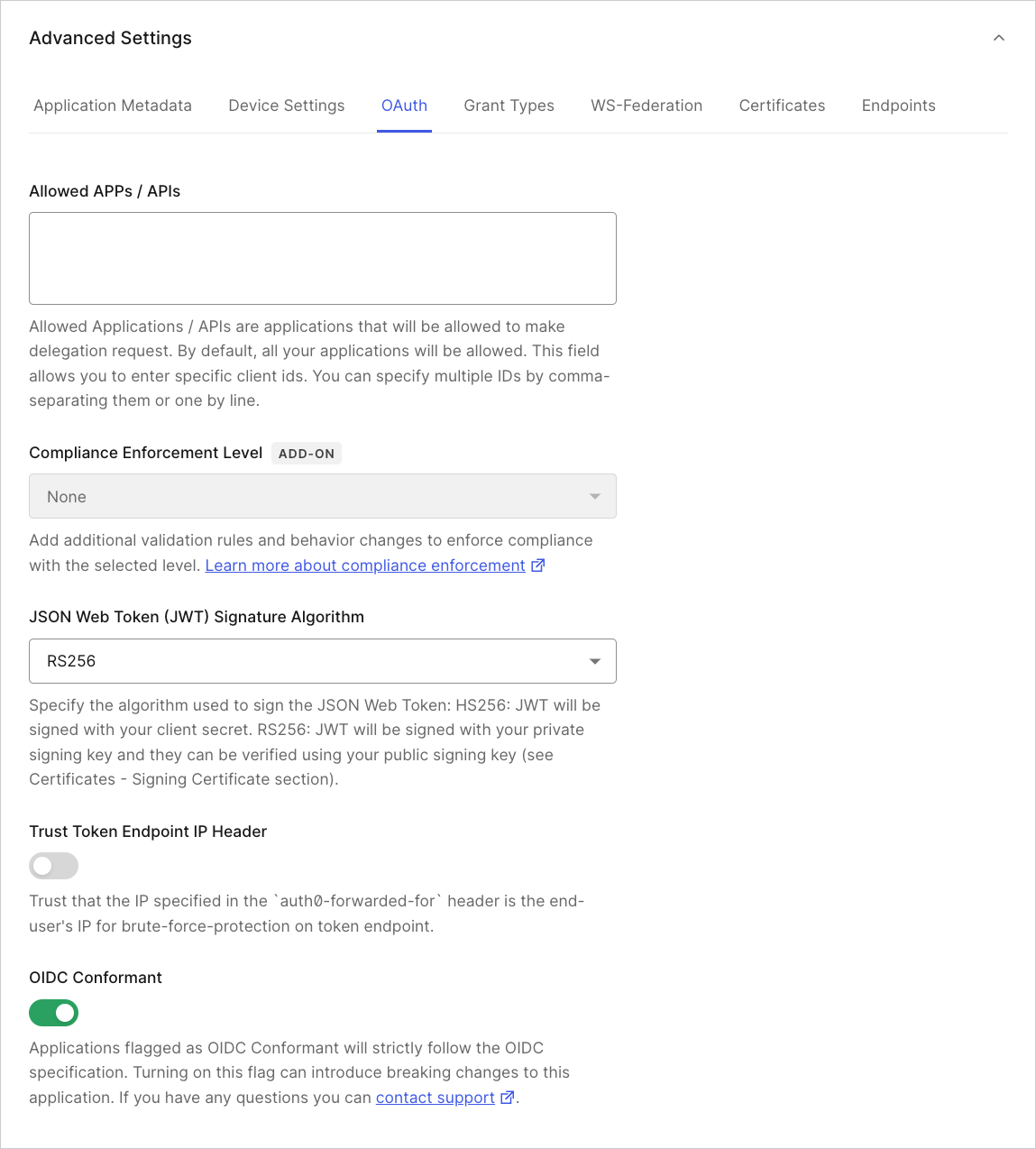
- Locate JsonWebToken Signature Algorithm and select the appropriate signing algorithm for the application.
- Click Save Changes.
Change Application Signing Algorithms
Describes how to change an application’s signing algorithm using the Auth0 Dashboard.
You can change your application’s using the Dashboard.