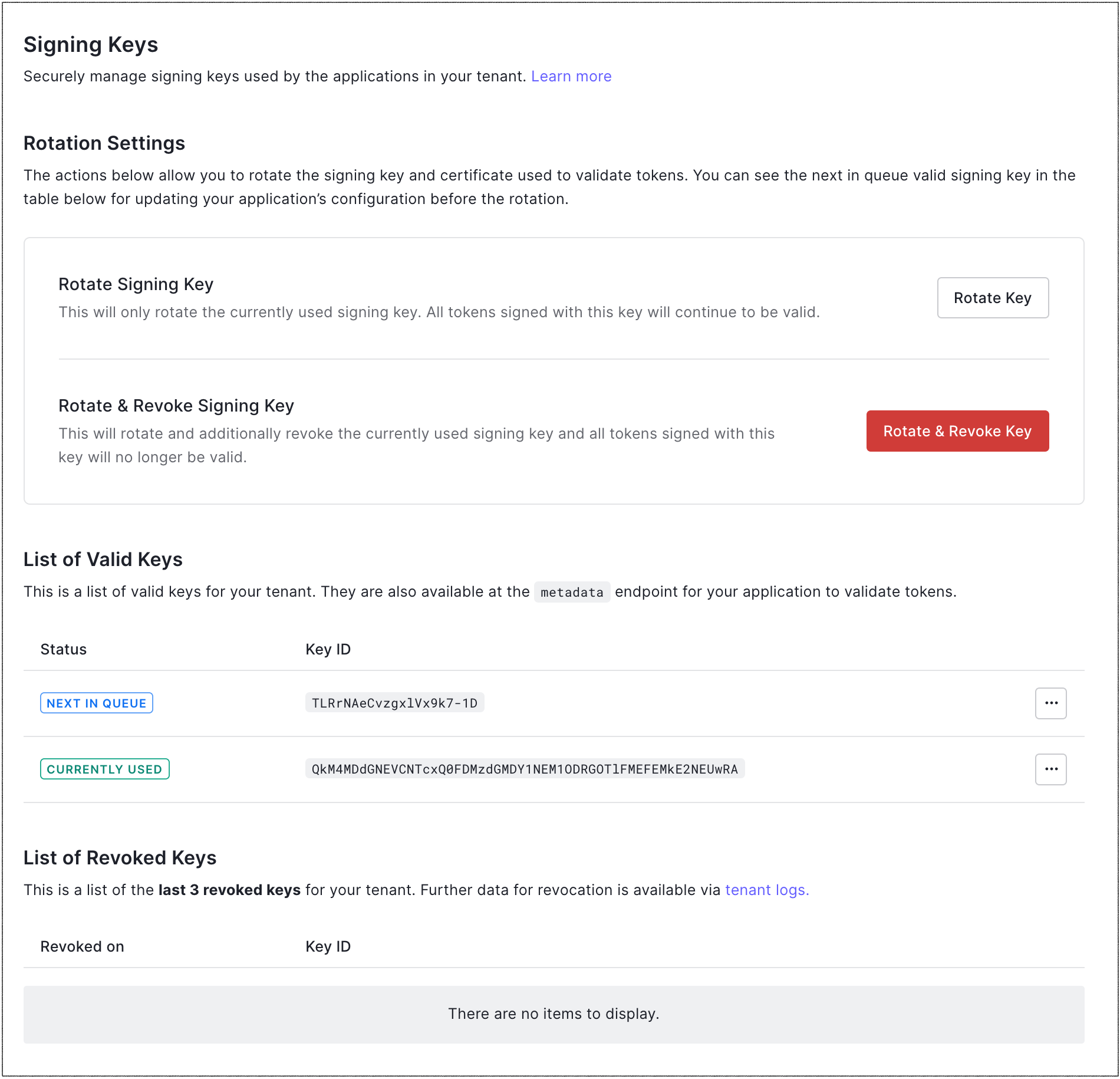
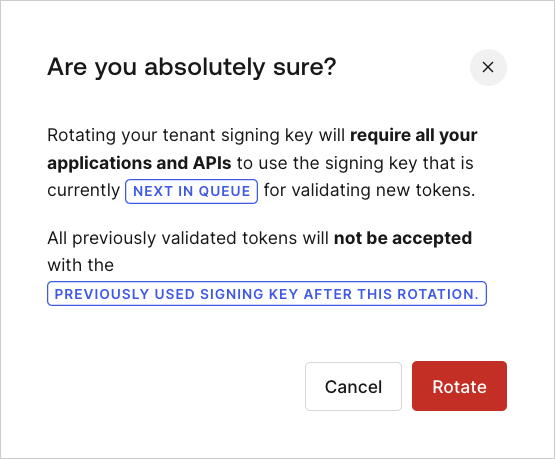
Learn how to rotate your tenant’s application or API signing key using the Auth0 Dashboard or the Management API.
You can manually rotate a signing key periodically to change the JSON web key (JWK) key used by applications and APIs to validate tokens. If your application or API does not allow for this key change, and it attempts to use an expired signing key to verify a token, the authentication request will fail.
Auth0 recommends that you execute signing key rotation on a development tenant first, then verify that your applications and APIs still work as expected. After you verify that everything is working properly, perform the same signing key rotation on your production tenant.
Although Auth0 signs with only one signing key at a time, your tenant’s Connect (OIDC) discovery document always contains multiple keys. The OIDC discovery document will always include both the current key and the next key, and it may also include the previous key if the previous key has not yet been revoked. To provide a seamless experience in case of an emergency, your application should be able to use any of the keys specified in the document. To learn more about OpenID Connect discovery documents, read Locate JSON Web Key Sets.
To allow you time to update your application with the new signing key, all tokens signed with the previous key will still be valid until you revoke the previous key. To learn more, read Revoke Signing Keys.
Before rotating, review the Key rotation impact to understand how the change affects your applications, APIs, and identity provider integrations.You can rotate your tenant’s application signing key using the or the Auth0 .
To rotate the signing key, make a POST call to the Rotate the Application Signing Key endpoint. Be sure to replace the MGMT_API_ACCESS_TOKEN placeholder value with your Management API access token.
Most middleware and API gateways leverage the JSON web key set (JWKS) endpoint to retrieve the current and future signing keys at a certain interval. If your middleware and/or API gateways do not support this endpoint and require you to manually configure a *.cer file, you will need to coordinate the signing key rotation in Auth0 with the reconfiguration of your middleware and gateways.
When Auth0 acts as a or identity provider, rotating the signing key changes the key used to sign responses. You must update each of your service providers with the new certificate so it can keep validating Auth0’s signed responses. To update your service providers to trust the next certificate before rotating the signing keys, read Rotate the tenant signing key.


 Authenticate
 Manage Users
 Customize
 Platform