

 Authenticate
 Manage Users
 Customize
 Platform
-
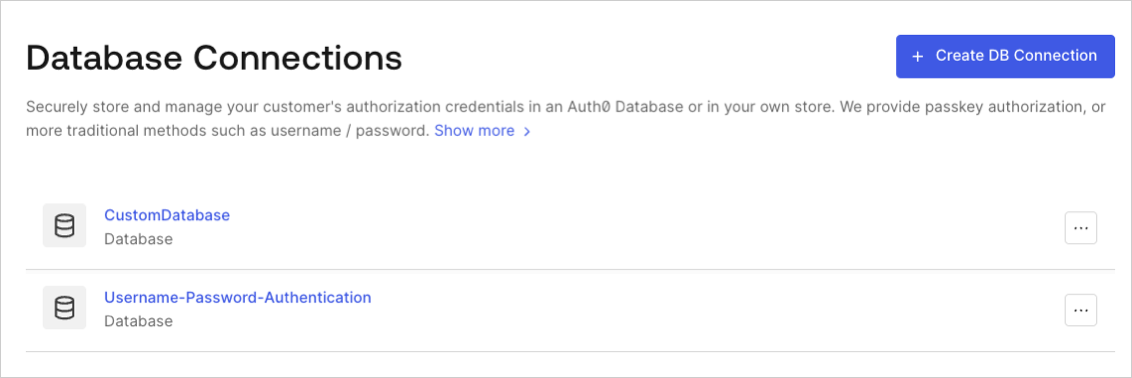
Navigate to Auth0 Dashboard > Authentication > Database, and select the Try arrow next to the connection you want to test.
-
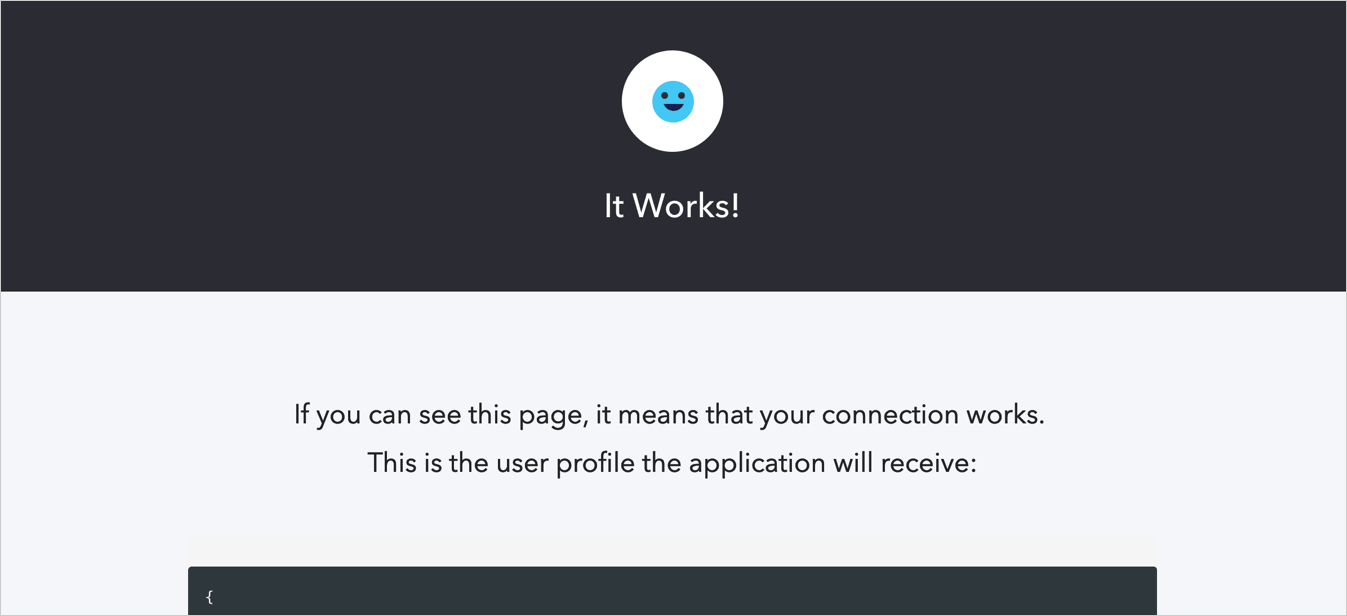
Enter your test user’s username and password. If you have configured everything correctly, you will see the It Works! page:
Test Database Connections
Describes how to test database connections for applications using the Auth0 Dashboard.
You can test database connections for applications using the . The configured database connections can be used to log in to your application.
To properly test, you should have already set up your database connection and created a user for your database connection.