

 Authenticate
 Manage Users
 Customize
 Platform
-
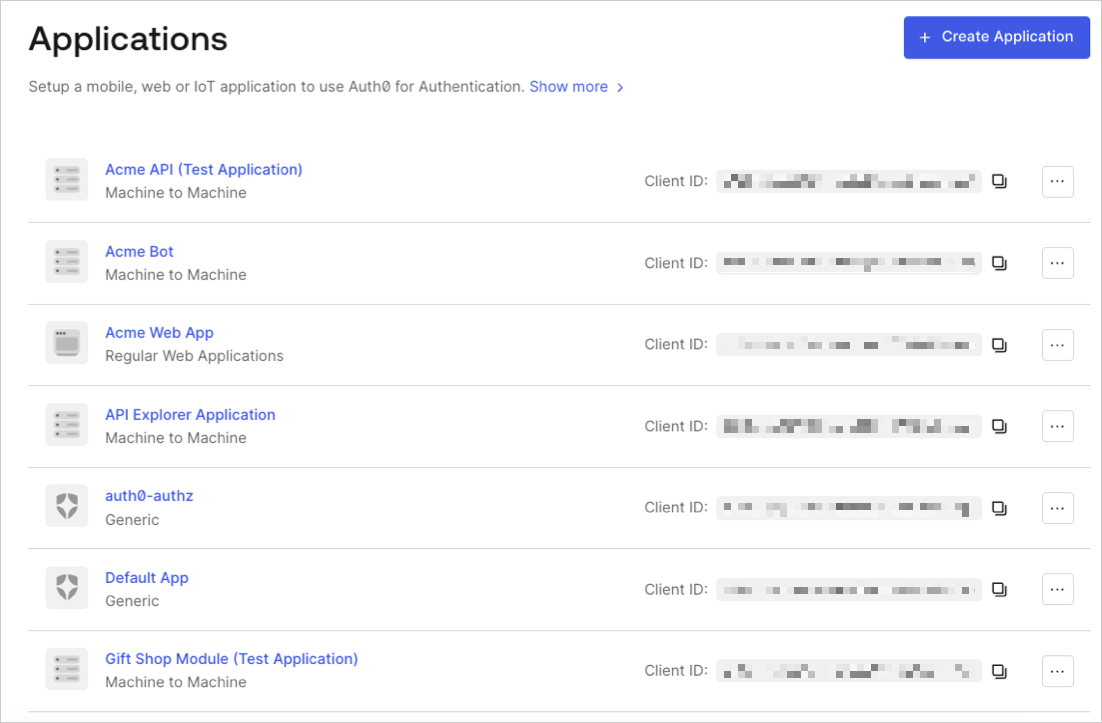
Go to Auth0 Dashboard > Applications > Applications, and select the name of the application to view.
- Scroll to the bottom of the Settings page, and select Show Advanced Settings.
-
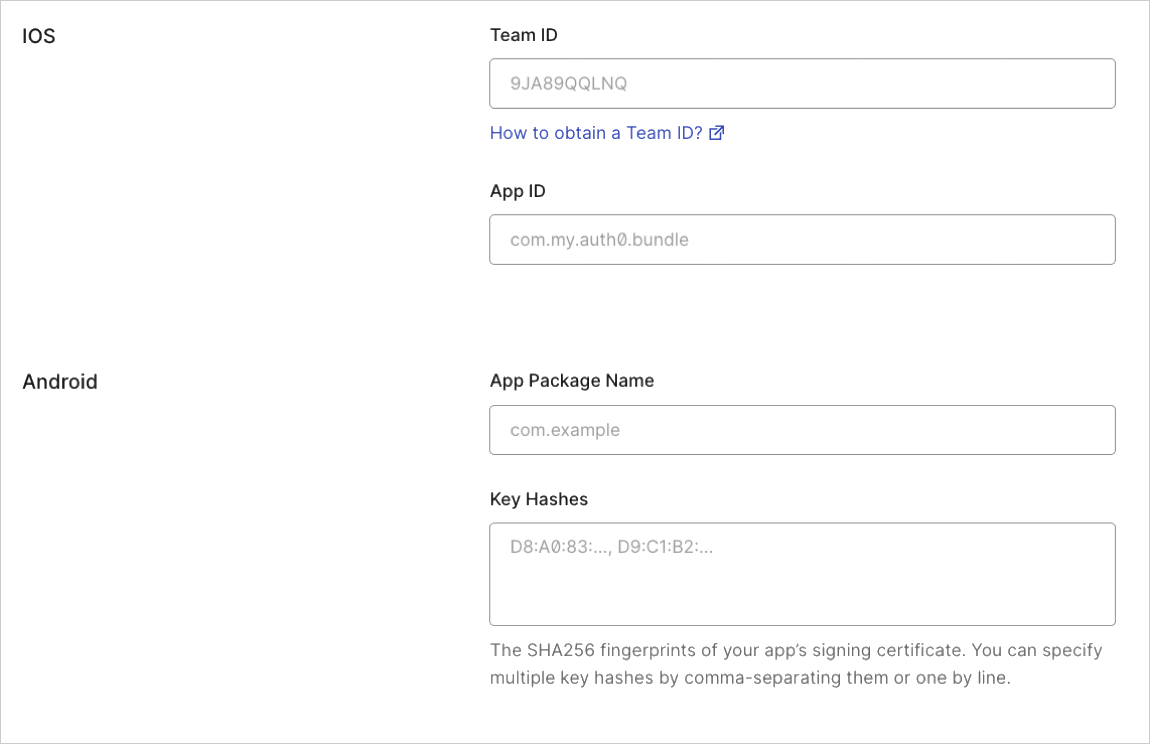
Select Device Settings, provide the App Package Name and the SHA256 fingerprints of your app’s signing certificate for your Android application, and select Save Changes.
keytool -list -v -keystore my-release-key.keystore
To learn more about signing certificates, see Android’s Sign Your App developer documentation.
Test link
-
Navigate to the following URL in your browser:
https://{yourDomain}/.well-known/assetlinks.json -
If the link is successful, you will return the following JSON (formatted for readability):