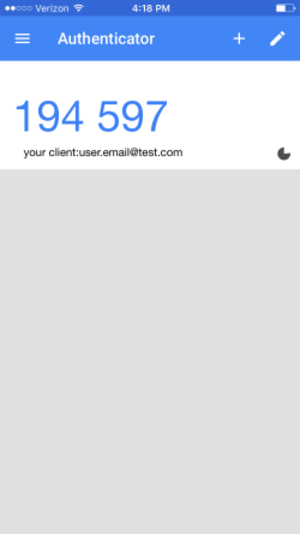
Auth0 supports one-time passwords (OTPs) as factors. In order for users to leverage OTPs, you first must enable them as an MFA factor in your Auth0 tenant. Once enabled for your application, users can enroll in OTPs when accessing your application. To do so, they must install an authenticator application on their device, such as:Documentation Index
Fetch the complete documentation index at: https://docs-staging.auth0-mintlify.app/llms.txt
Use this file to discover all available pages before exploring further.
- Auth0 Guardian (Google Play / App Store)
- Authy (Google Play / App Store)
- Google Authenticator (Google Play / App Store)
- Microsoft Authenticator (Google Play / App Store)
User OTP workflow
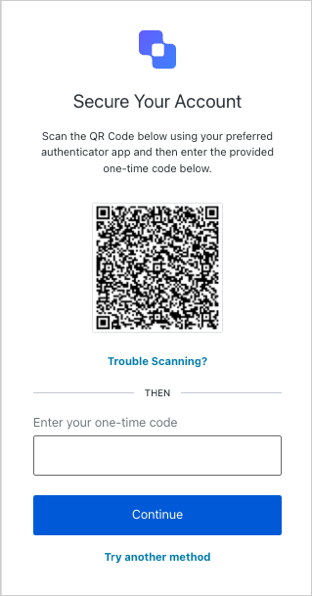
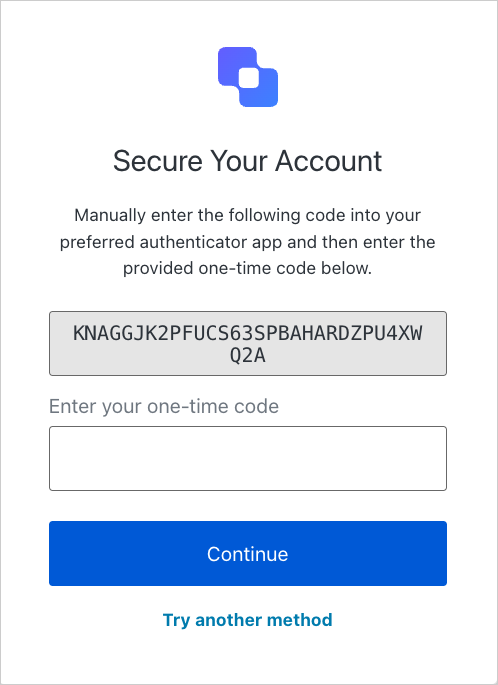
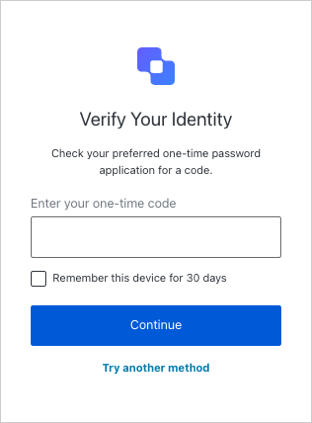
When a user attempts to sign up through a prompt, they are prompted to scan a QR code to enroll in OTPs.