

 Authenticate
 Manage Users
 Customize
 Platform
- Go to Dashboard > User Management > Users and click the name of the user.
-
Click the Devices view, then click the trashcan icon next to the device you want to unlink, and confirm.
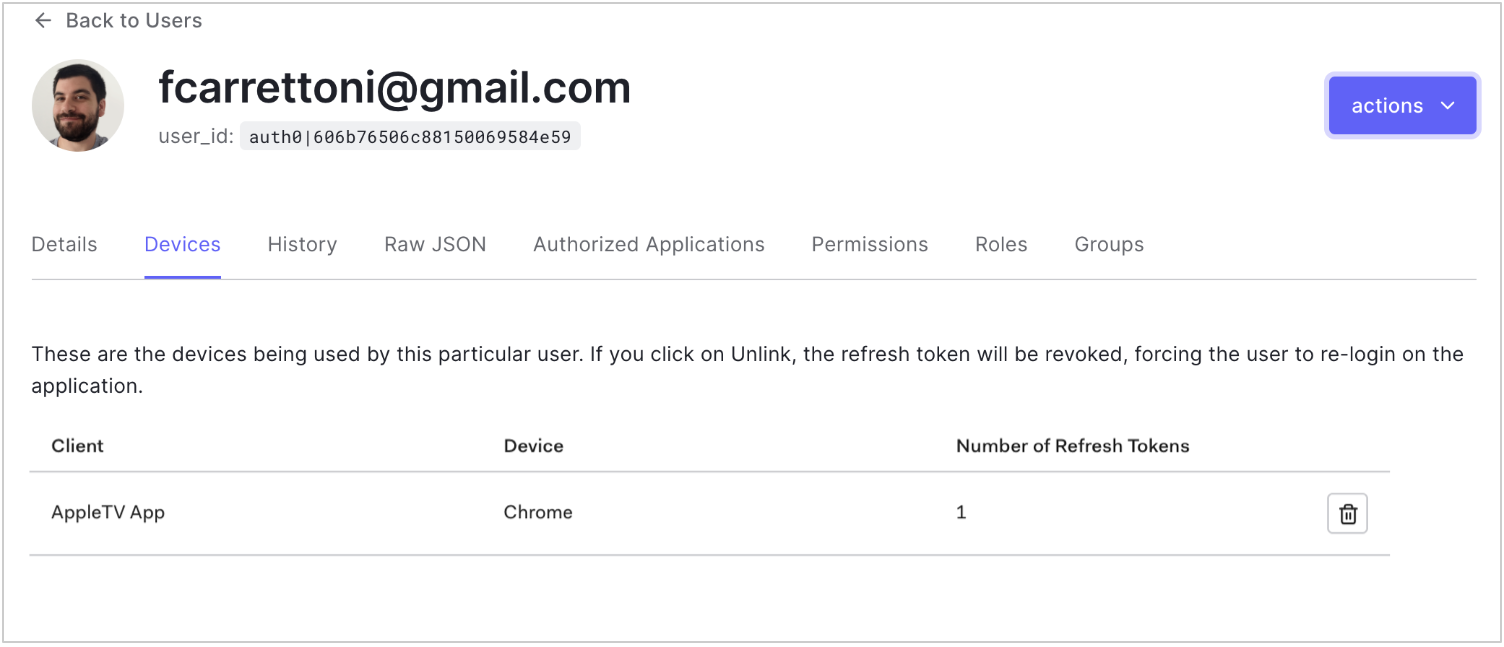
Unlink Devices from Users
Describes how to unlink devices assigned to a user using the Auth0 Dashboard.
You can unlink the devices assigned to a user using the . This revokes the for the selected device.