Switch the Auth0 Dashboard between light and dark themes from the Profile menu to match your operating system or personal preference.
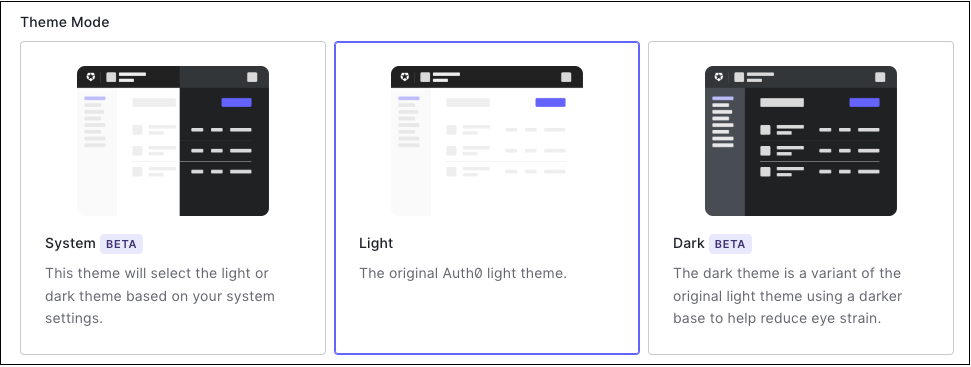
You can use light mode or dark mode in your Auth0 Dashboard. You can also set your Dashboard to use the same settings as your local system environment.There are two ways to change your Dashboard theme:
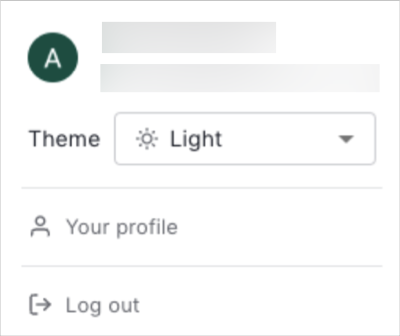
Select the profile dropdown menu at the top-right of your Dashboard.
Use the menu to switch between themes.
You can also click Your Profile in the same dropdown and scroll to the bottom, where you can choose from the three themes.
Assistant
Responses are generated using AI and may contain mistakes.


 Authenticate
 Manage Users
 Customize
 Platform