

 Authenticate
 Manage Users
 Customize
 Platform
-
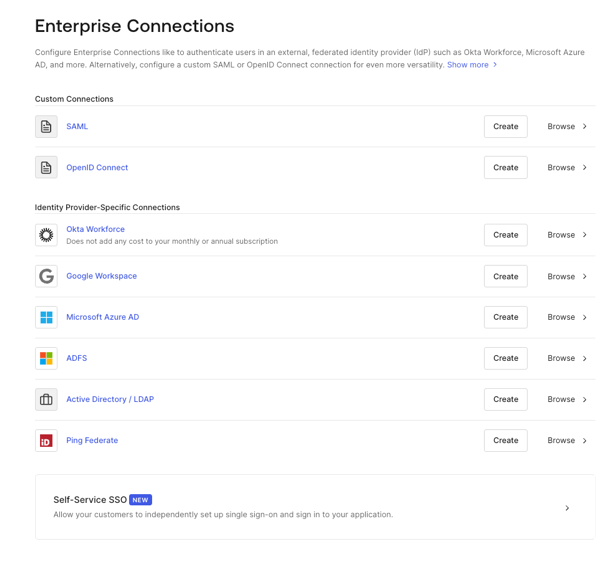
Navigate to Auth0 Dashboard > Authentication > Enterprise, and select the connection type to view.
-
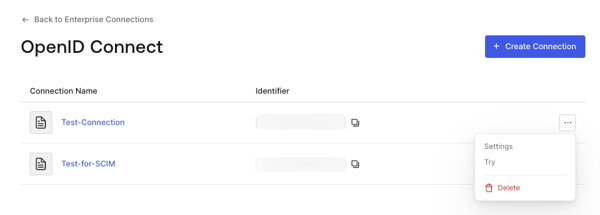
Select the Try arrow next to the connection you want to test.
-
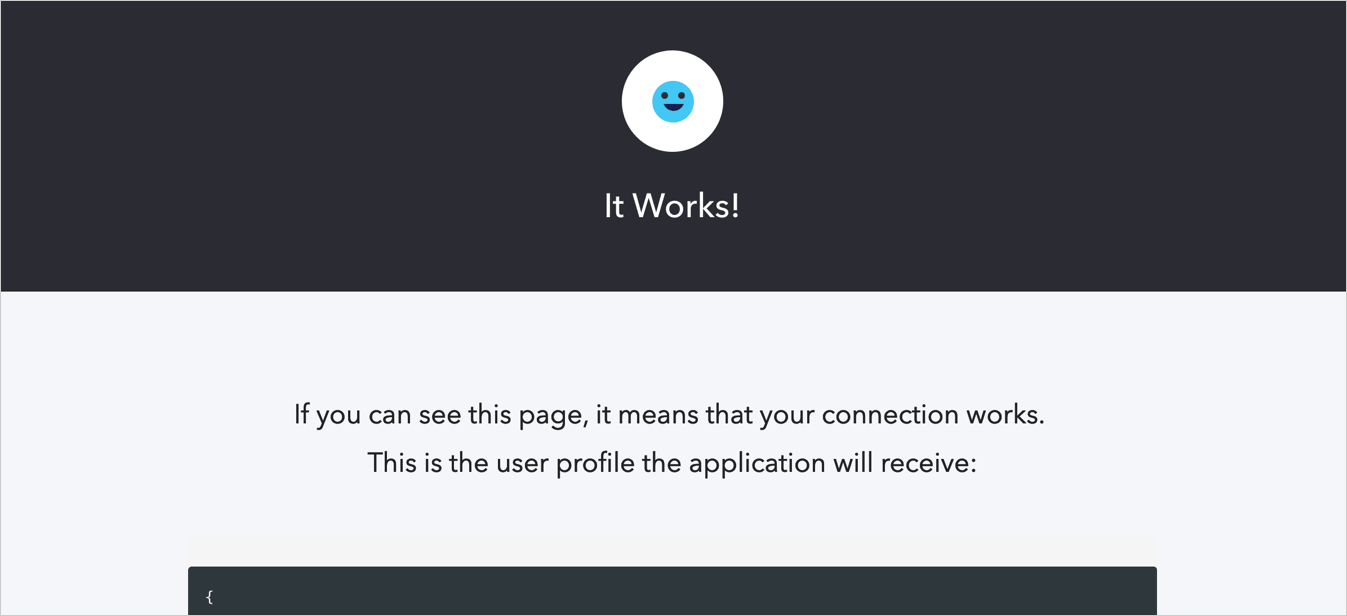
Log in and consent to allow access to your app. If you have configured everything correctly, you will see the It Works! page.
Test Enterprise Connections
Learn how to test enterprise connections for applications using the Auth Dashboard.
You can test enterprise connections for applications using Auth0’s Dashboard.
To properly test, you should have already set up your enterprise connection.